Balancing and March Steps
A system using an IMU sensor to monitor stability and steps in real time.
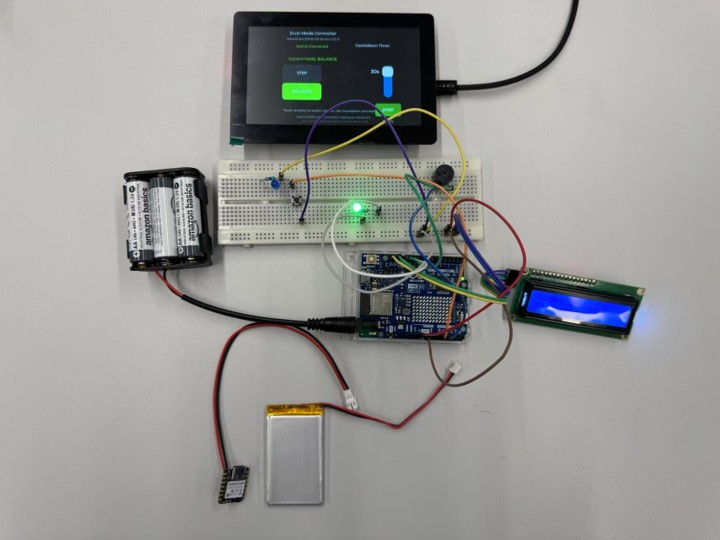
The user can change mode on the screen and benefit from countdown and stopwatch functions.
How it works
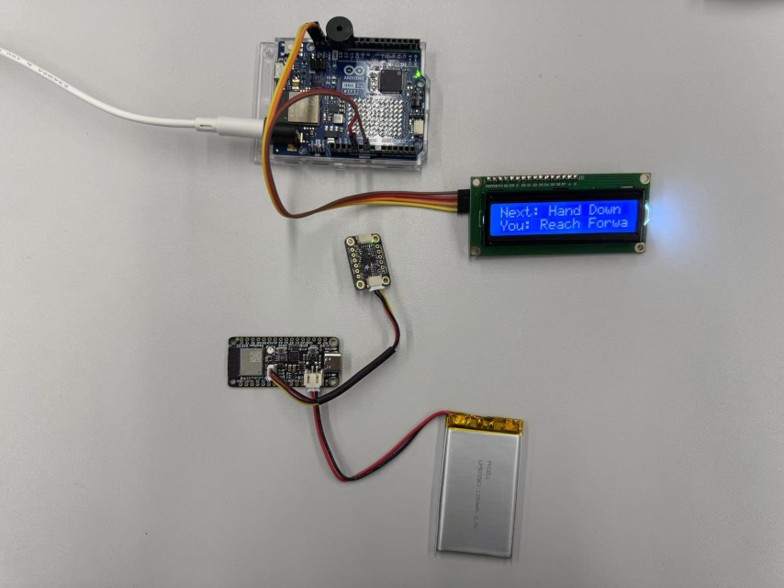
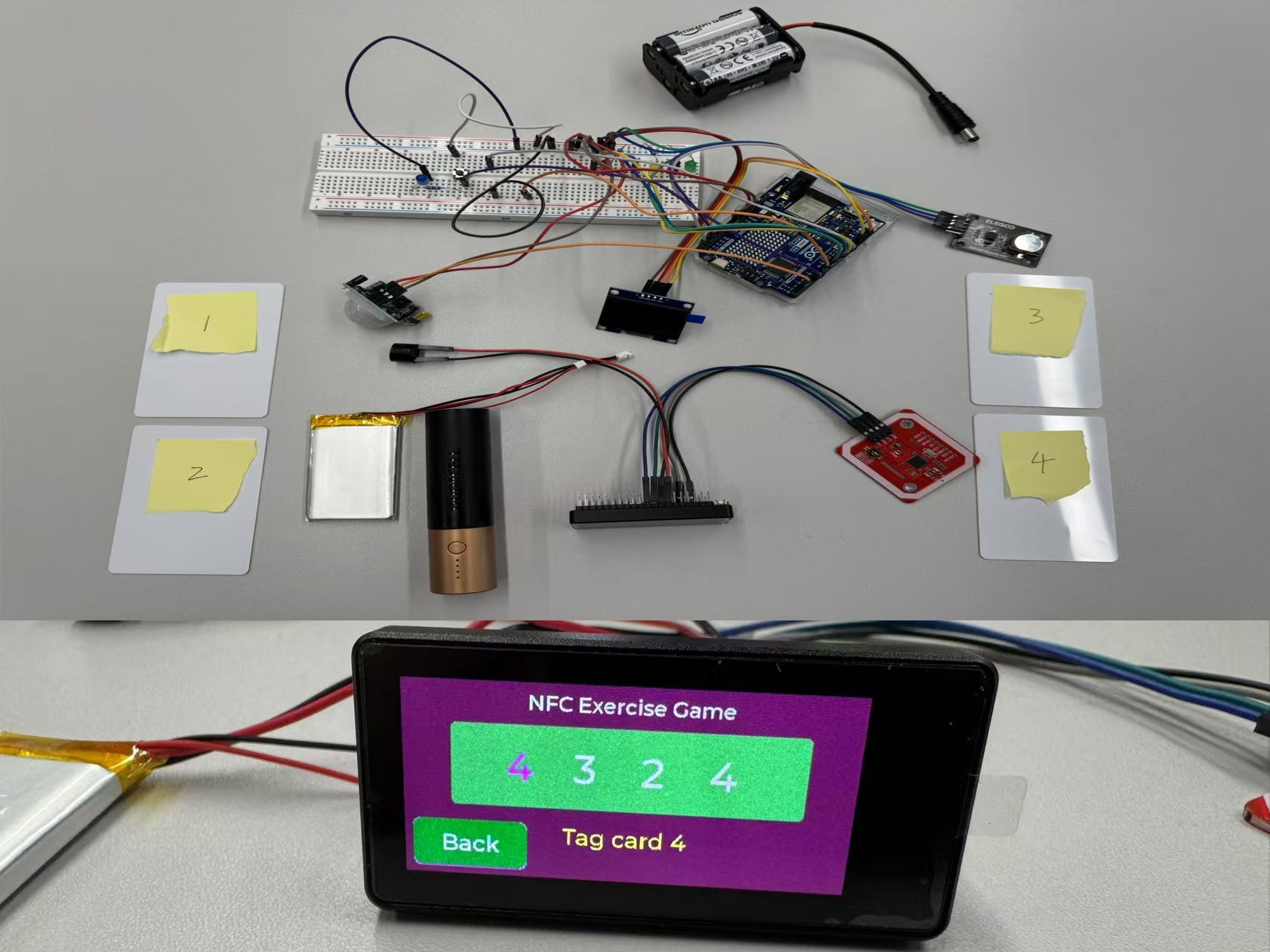
- Select either Balancing Mode or Marching Mode on the screen, then perform the chosen exercise while holding the IMU sensor in your hand.
- In Balancing Mode, use the switch button to activate the stopwatch function, or use the on-screen slider to set a countdown timer.
- The smaller display shows the number of steps taken or the current balancing status.
User Feedback and System Improvement
Feedback
- The larger screen is a great addition
- The two-in-one functionality makes the device more versatile
- Need a goal rather than just tracking
Improvements Made (see Hub and Core Units)
- 3D printed case
- Integrated in one device with other sensors
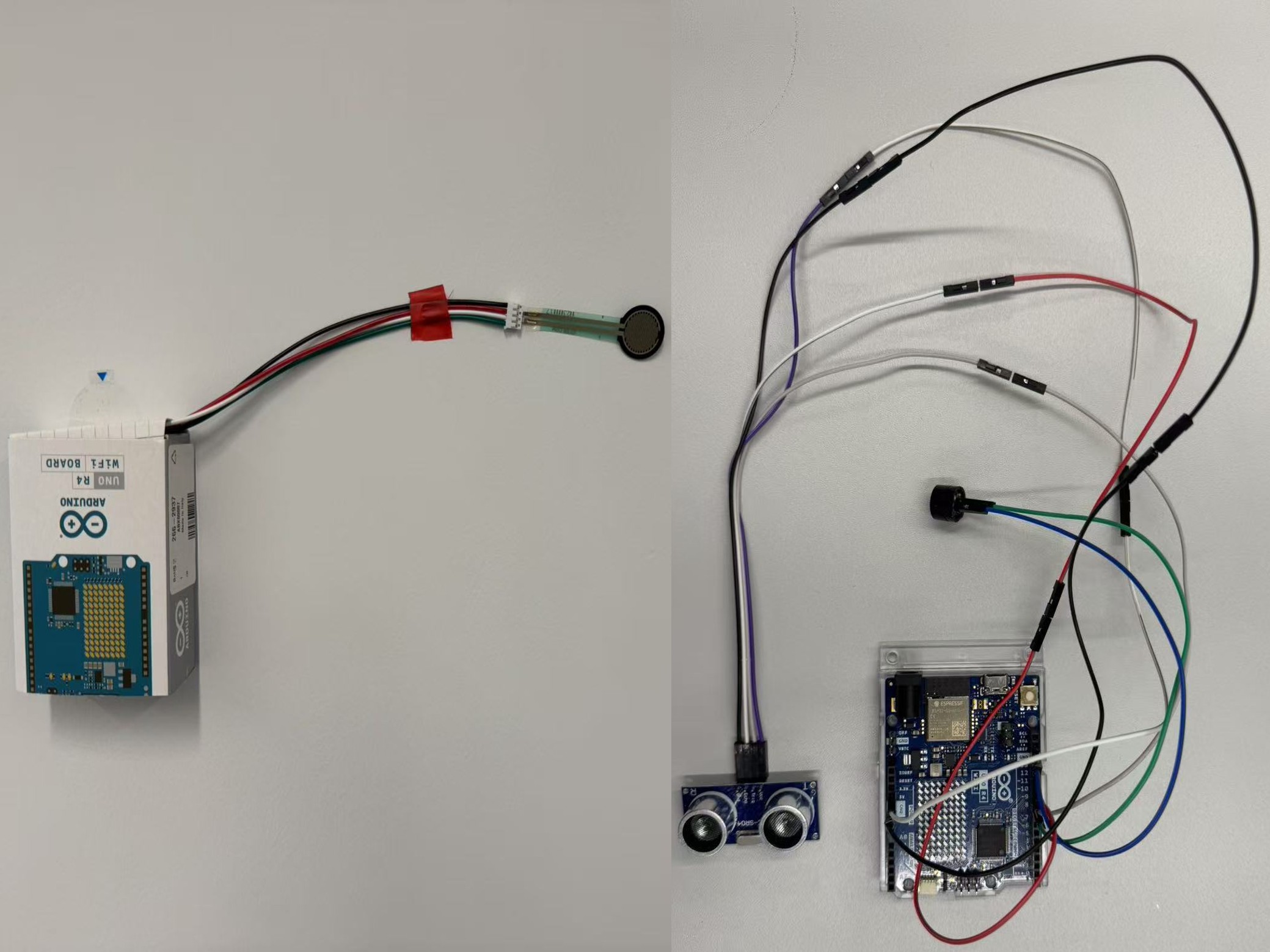
Schematics